


3 / 950
Online
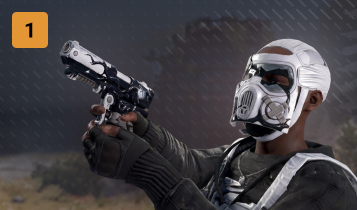
Drop skins
While playing, you have a chance to receive a valuable skin in your inventory
Priority queue

When the server is full, you are placed at the front of the queue
Exclusive clan tag

You receive a prefix before your nickname on every server in our network
Even more bonuses

Explore all the benefits on the PREMIUM subscription page
Interested in PREMIUM?
The RUST promo code will give you +3 days to subscription
How to join a server?
Download Rust

Download Rust on Steam and launch the game
Choose a server
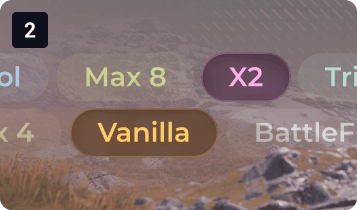
The mode affects the game speed: classic or accelerated progression
Connect
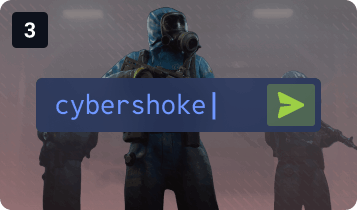
In the game, press F1 and paste the connect command to join the server
Survive

Do everything you can to make it through the night
 Frequently asked questions
How to start playing?
To start playing RUST, purchase the game on Steam and install it on your computer. After launching, choose a server you like, join the game, open the console with the F1 key, paste the connect command, and join the server.
What is a wipe and what types are there?
A wipe is a reset of game progress and a server cleanup to improve performance, balance, and player interest. There are two types of wipes: Map Wipe and Full Wipe.
Map Wipe: Only buildings, objects, and the map are removed, but your learned blueprints (crafting recipes) remain.
Full Wipe: A complete reset — both the map and all learned blueprints are removed. Everyone starts with a rock and a torch.
Server wipes take place at 18:00 (GMT+3)
How to report a player?
To report a player, press F7 on the server and fill in the details (player, reason, description), or contact us on Discord and provide as much information as possible.
CYBERSHOKE server features
CYBERSHOKE servers offer fair gameplay without pay-to-win, equal conditions for all players, active and experienced administration, and stable project performance.
Server rules
Communicate respectfully, help other players, support your team, and maintain a friendly atmosphere — no toxicity, spam, or discrimination. You can find the full list of rules here: https://cybershoke.net/learn/181