Optimization
We've optimized our servers, so FPS on CYBERSHOKE is higher and the game runs better.
 Sign in with Steam
CYBERSHOKE — servers for CS2, CS:GO and RUST. Play without worrying about finding players or setting up the server.
On CYBERSHOKE servers you can meet PRO players, streamers, and your friends













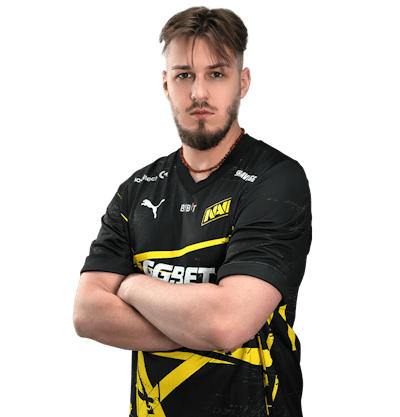
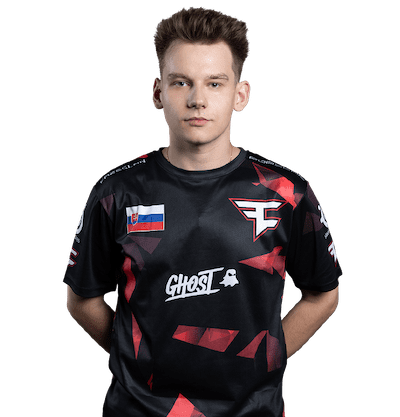




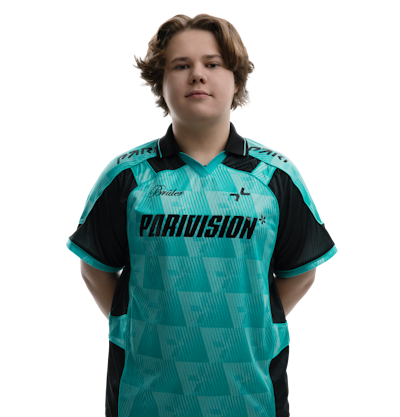
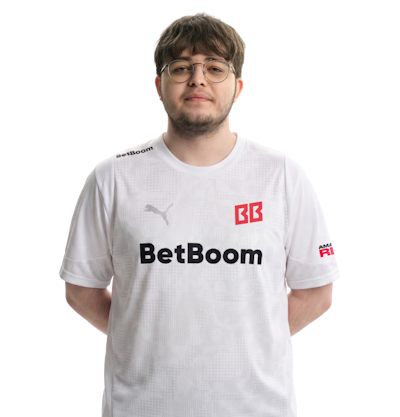


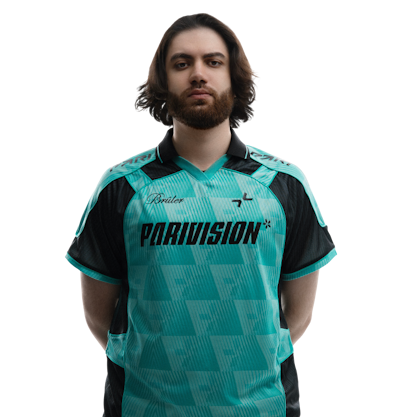
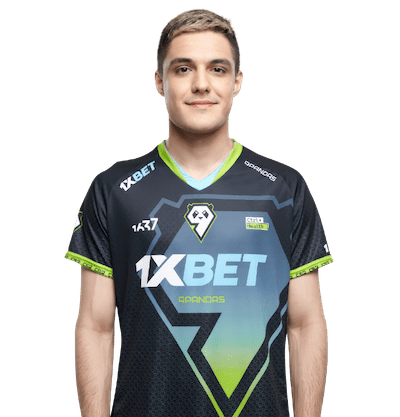
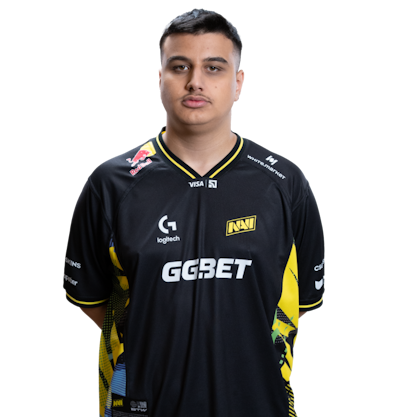
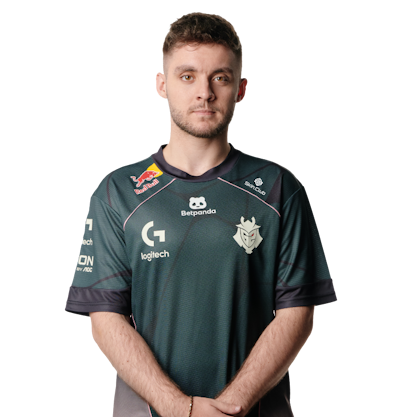
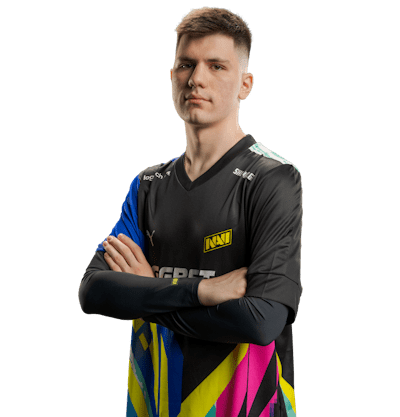

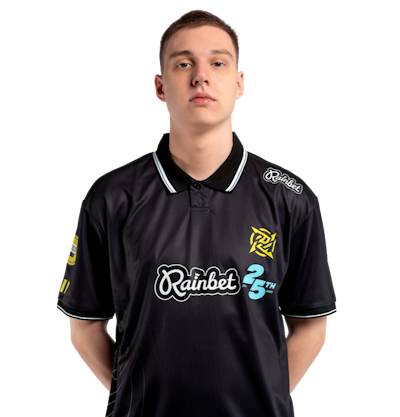
 alex666PROs1renPROw0nderfulPRO
See what modes and servers they're playing on right now, and jump in.
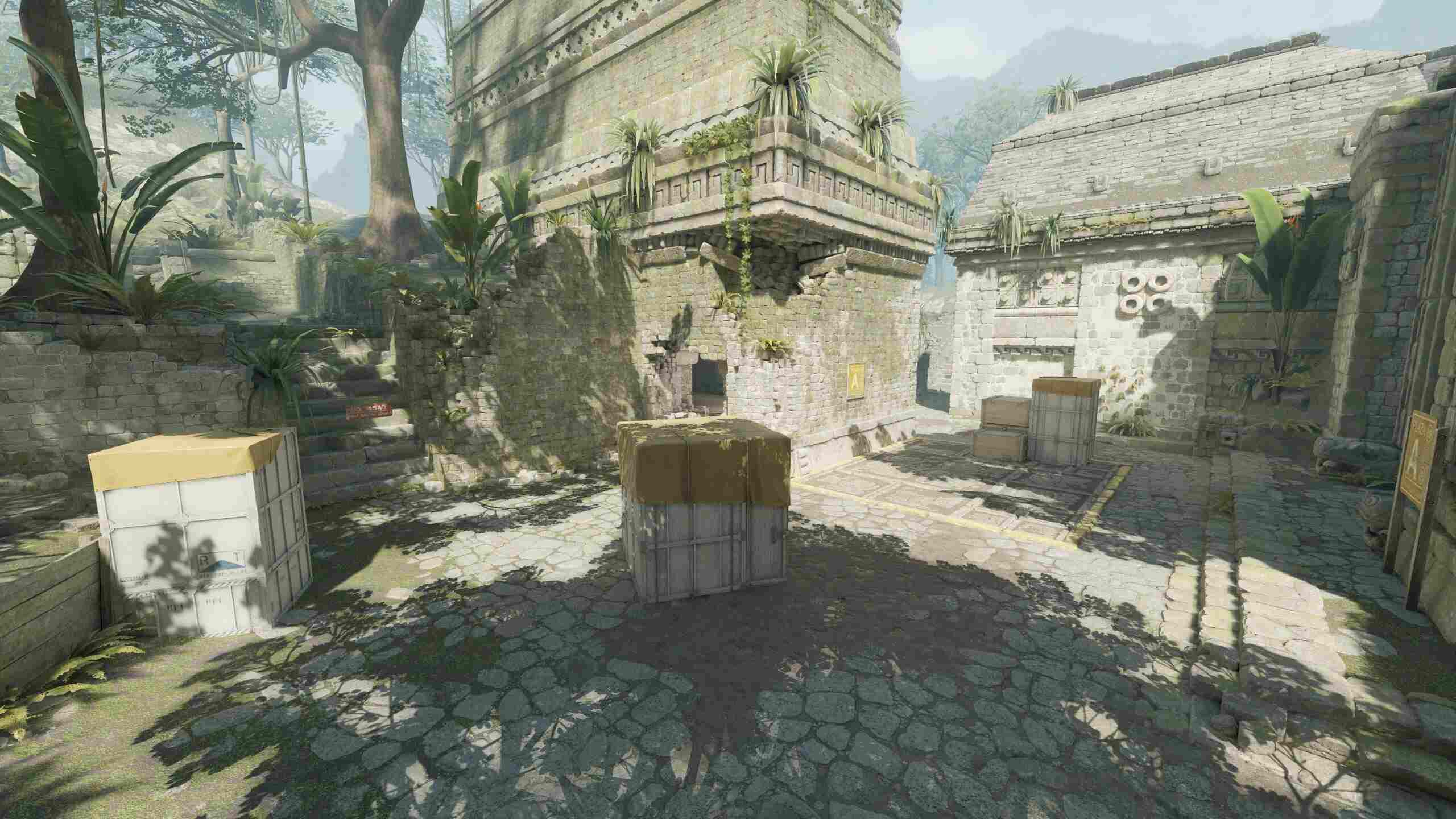
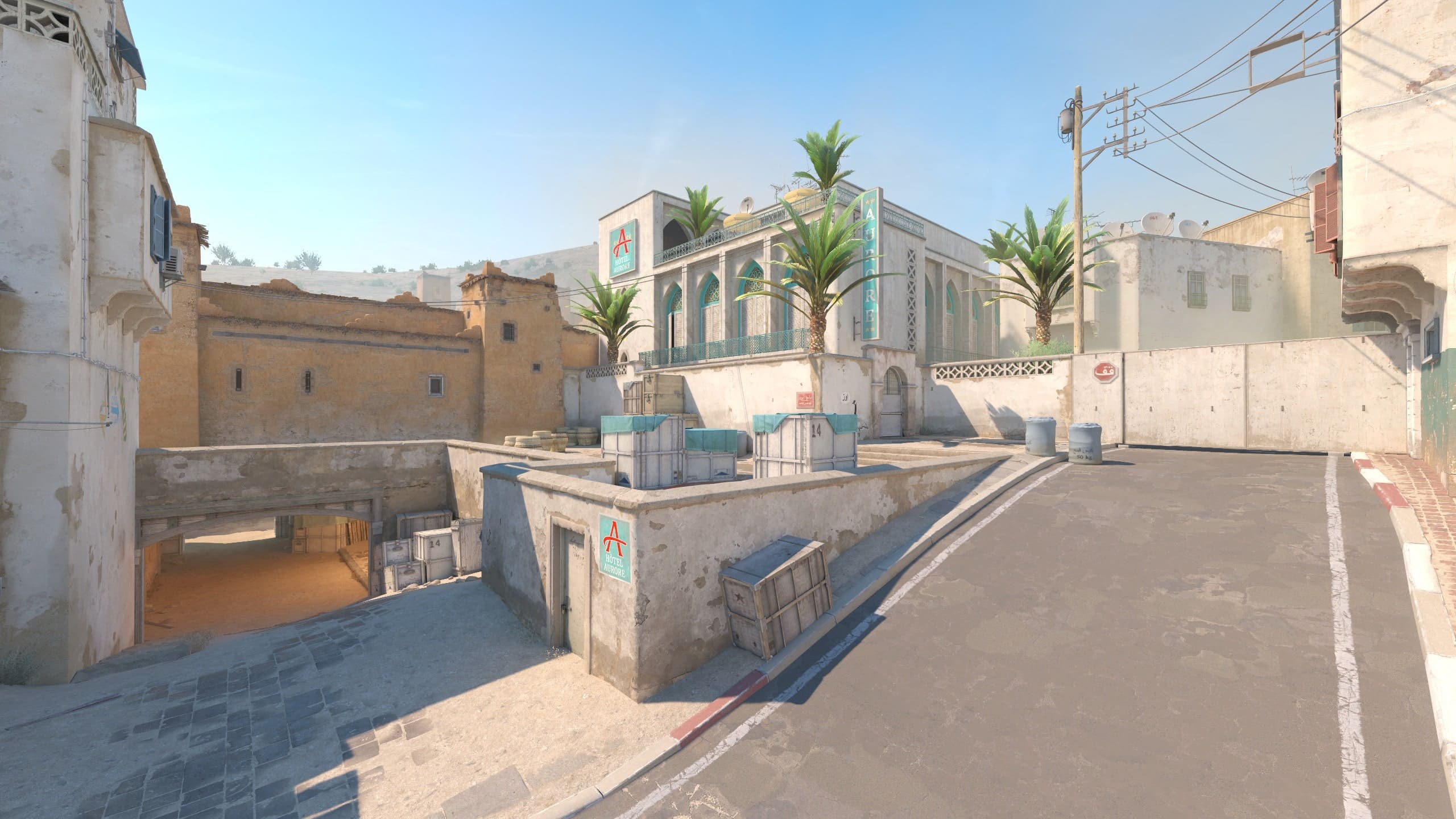
Invite friends right from the site: to the lobby or straight to the server
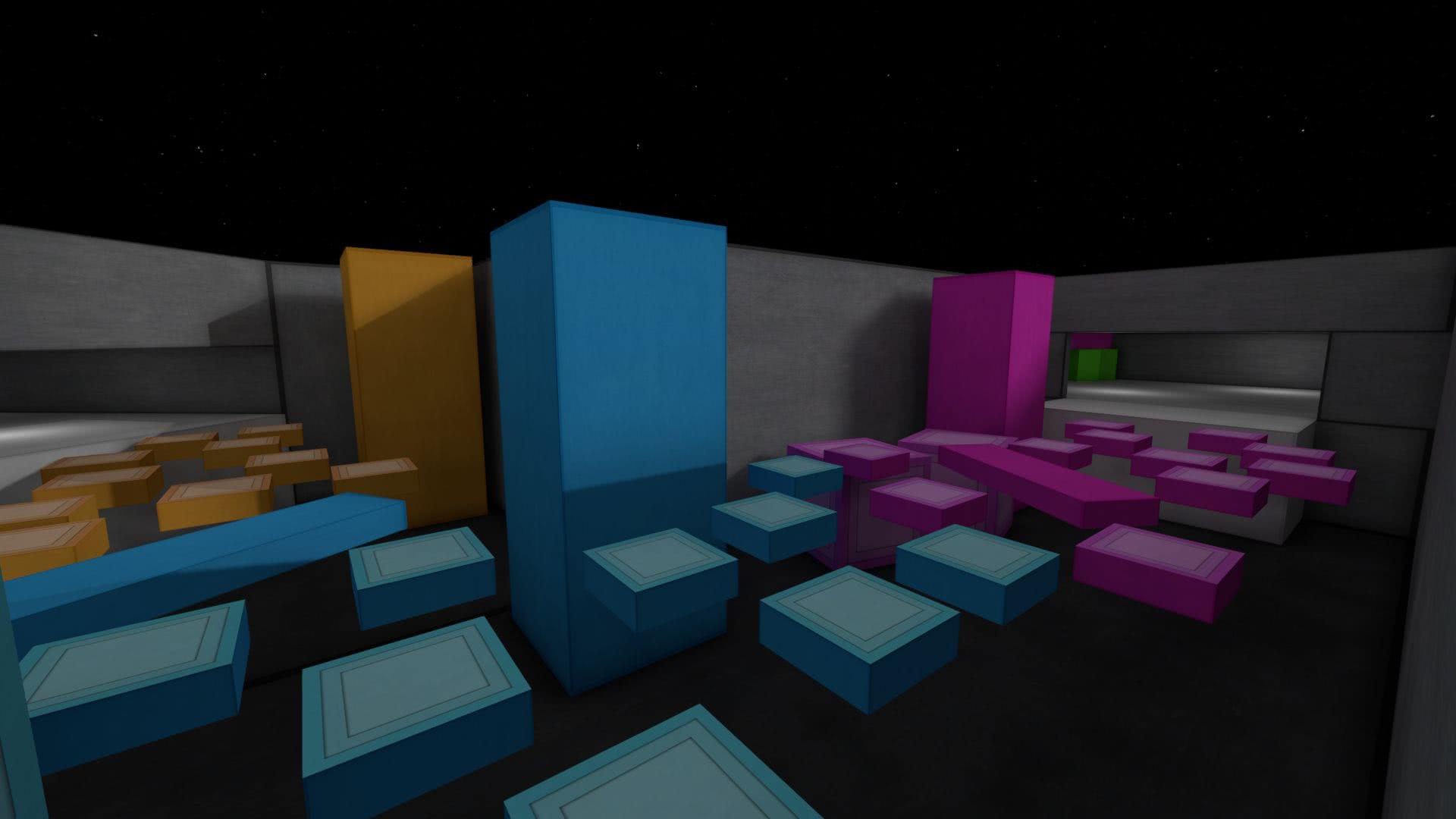 bhop_emevaelx3Not completed
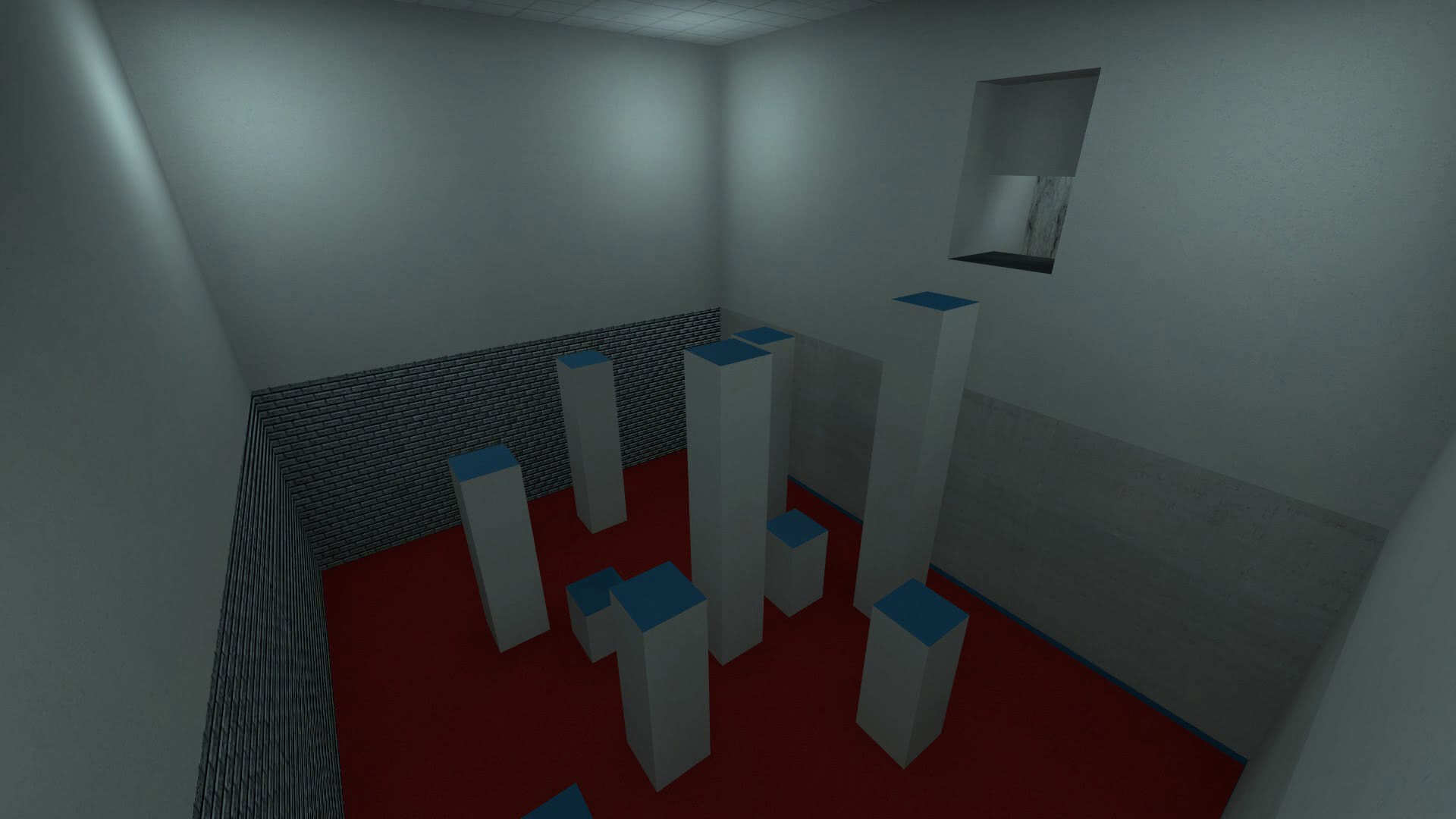 kz_variety_fixCompleted
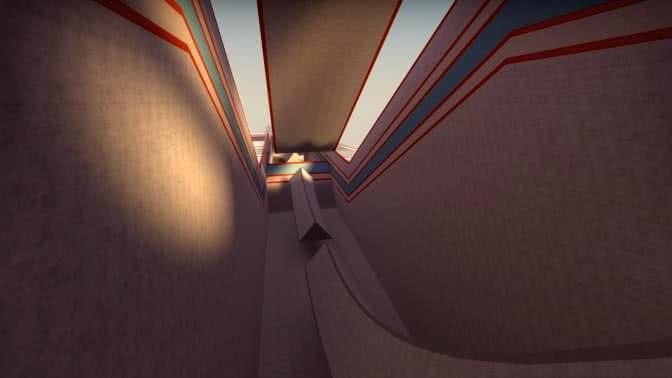 surf_utopia_njvNot completed
Set records and compare yourself with other players
Choose the nearest location and play with low ping
 Frankfurt31
We've optimized our servers, so FPS on CYBERSHOKE is higher and the game runs better.
Game stats from all servers are collected in your profile
We monitor fair play and respond to violations 24/7
Play with friends on a private server. Choose the mode and customize the match to your liking.
Public lobbies are visible in the general list. Closed ones require a password, and private ones are only accessible via link and password.
Assign players modifiers for the whole match: parachute, BunnyHop, one-shot, teleports, and other effects.
Each round comes with a random event: teleports, toxic smoke, and other unusual conditions. Turn on the mode in the lobby and try all the variations with friends.
Teams play with flashlights, and the enemy is only visible in the beam or grenade flash. Light helps spot opponents, but it also gives away your position.
Enable search so your lobby goes up in the general list and is seen by players looking for a match.
Before the start, you can see the average ELO of both teams. The host can drag players between lineups or shuffle them.
Set entry conditions before starting: for example, don't let players with high ping in. You can filter by FACEIT ELO, hours, day streak, LITE, PREMIUM, and CS2 PRIME status.
Pick a played round and roll back the match to it with the !backup command in chat. This is an indispensable tool for tournaments and broadcasts.
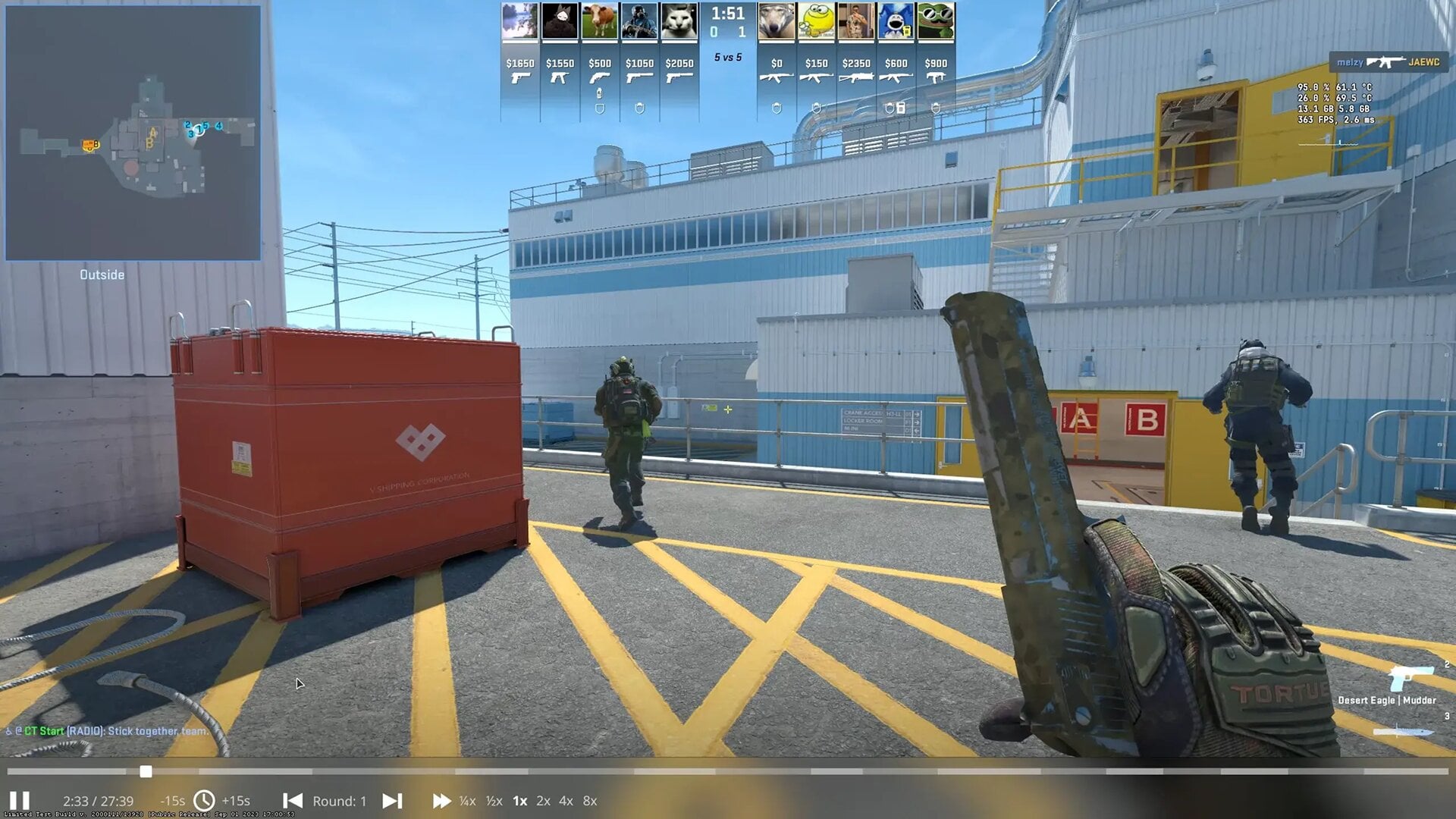
Download custom match demos and analyze your game after the match
Set GOTV delay for viewers. A spectator slot is available for the commentator, allowing them to connect to the server without delay.
Complete missions, get drops for playing, equip any skins and much more
One subscription unlocks bonuses on 4 000+ servers in CS2, CS:GO and RUST
We answer the most popular questions
Multi-gaming platform with servers for CS2, CS:GO and RUST, custom matches and game-related services.
CYBERSHOKE has separate modes, custom maps, unified stats, and the !s menu for adjusting weapons and settings right on the server.
More than 30 modes in CS2 and CS:GO. Competitive — 5X5, 2X2, RETAKE, RETAKE CARDS, PISTOL RETAKE, EXECUTE, CLUTCH, DUELS, DUELS 2X2 and ARENA. Shooting — DM, PISTOLDM, HSDM, AWPDM, AIMDM, AWP and PUBLIC. Movement — SURF, SURF COMBAT, BHOP and KZ. Fun — JAIL, MANIAC, DEATHRUN, MINIGAMES and HNS. Plus MULTICFG and SKIN INSPECT KNIFE. In CS:GO also DANGER ZONE, PROPHUNT and AMONG US. On RUST — Vanilla, Battlefield and a training server with DUELS, DM, AIM-TRAINING and FPS TEST.
Yes. In addition to public modes, there are private servers with a rating threshold — from 6500 in the CYBERSHOKE leaderboard or from 2000 Elo, as well as separate PRO servers where professionals and streamers play. Who among them is currently in the game can be seen in the online list with a PREMIUM subscription.
Yes. The servers are available for free, and LITE and PREMIUM are optional subscriptions with additional features.
Yes. The connection happens on Steam's side: the site only receives your SteamID and public profile data — nickname and avatar. You enter your password on the Steam page; the site doesn't see or store it, and it can't manage your inventory or trades. No need to install anything on your computer.
Most servers have two additional slots for LITE and PREMIUM players. On some game modes, the reserved slot doesn't apply — the current list is on the subscriptions page.
Create a custom match, pick the rules, and send your friends an invite link. You can also invite them right from the site — to the lobby or straight to the game server you're on.
Servers are located all over the world: in Frankfurt, Moscow, Almaty, New York, Singapore, and other cities. Approximate ping to the nearest locations is shown on the map.
Skin selection only works on CYBERSHOKE servers and does not change your inventory. You don't need to install third-party programs or modify game files.
Report abuse via server tools or a support ticket. Moderation monitors fair play and responds to violations 24/7.
Pick a server in the RUST section and connect — the queue and connection work just like on any other game server. Right now, three Vanilla servers are open with x2 rates for 200–300 players and Battlefield mode. Donation on RUST doesn't give combat advantages: the subscription adds skin drops and queue priority, not damage or resources.
Wipes happen at 18:00 Moscow time. The map wipes more often than blueprints: on a map wipe, the map and buildings are reset; on a full wipe, learned blueprints are also reset. The type of the next wipe and the time until it are shown in each RUST server's card.
Missions update every week: complete them, earn stars and get rewards. Achievements are awarded for completing maps — trophies are collected in your profile.
Sell skins that drop from missions, predictors, or giveaways — the proceeds go to your site balance.
For privileges, mission tokens, and skins. They also reset timers, restore day streaks, buy freeze days, and change unique nicknames.
The price is shown in your region's currency — check it on the subscription page. Both subscriptions work on all 3600+ CS2, CS:GO, and RUST servers, in any mode and any location — no extra payment for game or region.
Seven points. LITE already includes skin selection, reserved slot, no ads, immunity to the AWP limit, AWP and AK-47 priority, and skin drops. PREMIUM adds agents to skin selection, stickers without slot restrictions, extra missions and giveaways, rewards in Pick'em and the prize wheel, games with streamers and PRO players, priority support, and a permanent TeamSpeak channel.
The subscription appears in your profile within a few minutes after payment. If you don't see it, rejoin the server so it can pick up the new status. If that doesn't help, contact support and attach the receipt: payment inquiries are handled on a priority basis.