
Sensitivity and resolution are the two CS2 settings with the most arguments and the least concrete advice around them. Some people have sat on stretched 4:3 for years because "the pros do it", others tweak their sens after every bad game. Here's how to pick a sensitivity using one clear rule, and why 16:9 is suddenly back in fashion.
The easiest place to test any change is where the gunfights come back to back — the CYBERSHOKE DM servers.
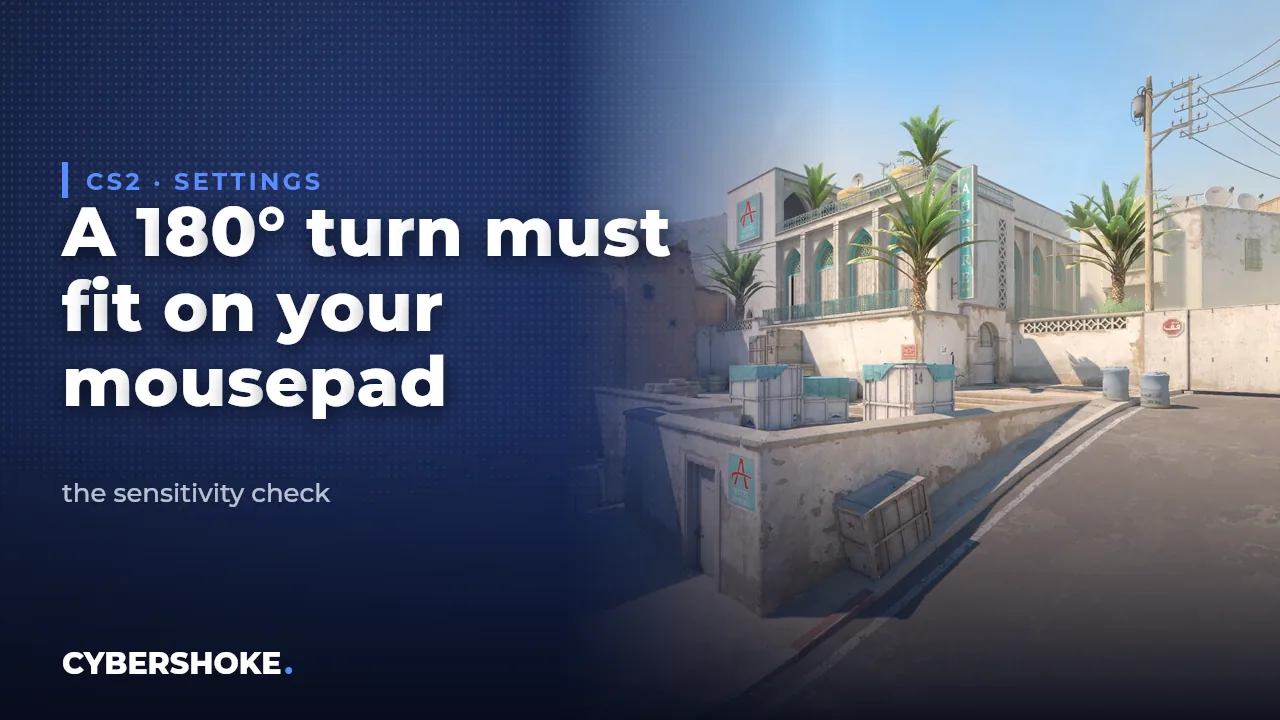
What sensitivity to use in CS2: the 180° turn rule
There's no universal number, but there is a simple check that datamine analyst Thour reminded everyone about: your mousepad has to be enough for a full 180° turn. If you have to lift the mouse and reposition it to turn around, your sens is too low for your desk. If the turn happens with a flick of the wrist, it's too high and controlling spray becomes a lottery.
How to check your sensitivity in five minutes
The routine:
- Stand facing a wall in game and note where your crosshair sits.
- Sweep the mouse from one edge of the pad to the other in a single motion.
- Check whether you turned exactly 180° or not.
- Adjust in small steps — 10–15%, not double or half.
- After each change, play 15–20 minutes of deathmatch before touching it again.
The classic mistake is retuning after every lost match. Your hand needs time to learn the new motion, and without a couple of hours of practice a new sens will always feel worse than the old one.
What eDPI is and why it matters
Comparing raw in-game sensitivity between players is meaningless: one runs 400 DPI, another 1600. That's why people use eDPI = DPI × in-game sensitivity — the actual speed of your crosshair. When you switch mice, recalculate the sens so the eDPI stays the same and your hand won't notice the swap.
Is stretched 4:3 worth playing in CS2
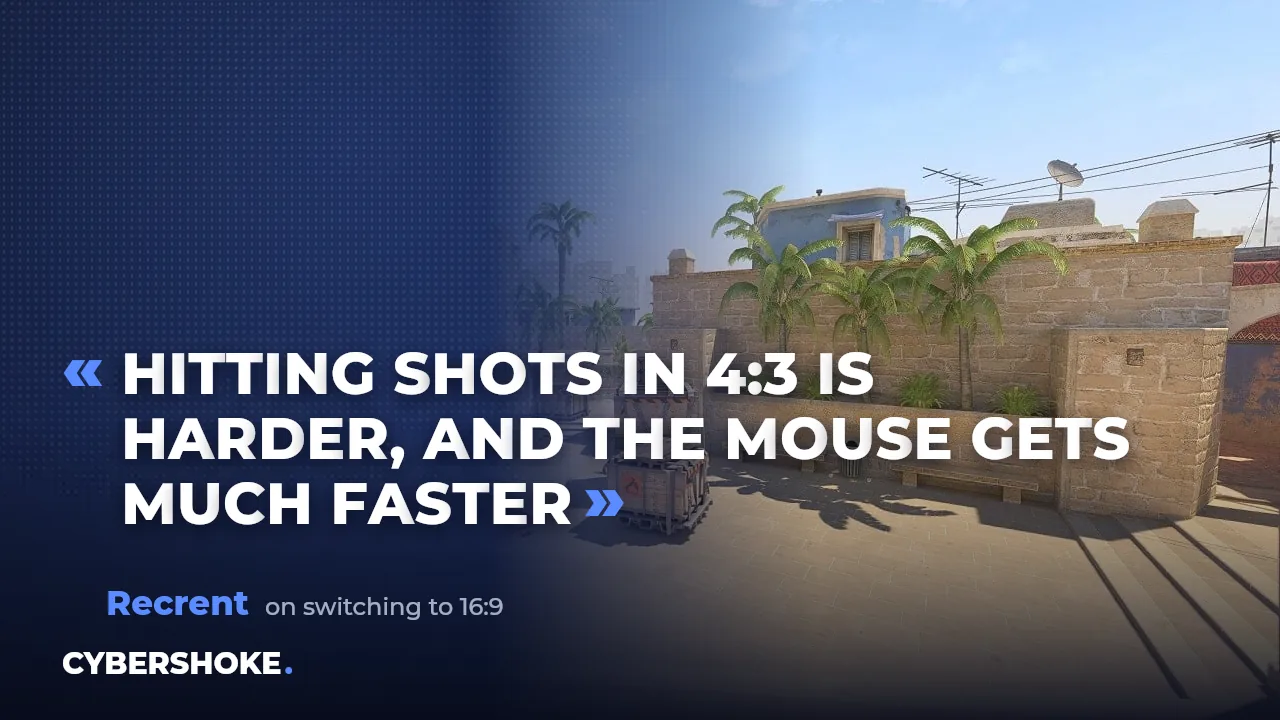
Stretched 4:3 survived on habit from CS 1.6 and CS:GO: models look wider, everything appears bigger. But the format has a price, and Recrent recently put it plainly: in 4:3 it's harder to hit your shots and the mouse feels much faster — the stretch makes the same hand movement cover more horizontal screen space.
Why 16:9 can make hitting shots easier
In native 16:9 nothing is distorted: horizontal mouse movement matches what your eye sees, and enemy models aren't stretched. You also get a wider field of view at the sides, so there's less chance of missing someone coming around your flank. After switching to 16:9 Recrent noted his deathmatch K/D went up immediately. That's not a guarantee, but it is a reason to spend an evening testing.
How to test new settings properly
Change one thing at a time: resolution first, then sensitivity. And test where duels are plentiful and mistakes are free — deathmatch and aim modes give you as many gunfights in half an hour as a competitive match does in an evening. Judge by numbers rather than feel: K/D and headshot percentage across a few sessions.
Mouse control isn't only trained by shooting, either: on movement modes like KZ and BHOP your hand learns precise micro-turns. We broke down how the top players do it in the post on what modes pro players train on in CS2.
FAQ
What is the best sensitivity for CS2?
The one where a full 180° turn fits on your mousepad in a single motion. The exact number depends on your mouse DPI and desk space.
Stretched 4:3 or 16:9 — which should you pick?
16:9 gives an undistorted image and a wider view; in 4:3 the mouse feels faster and shots are harder to land. Test both with a couple of deathmatch sessions.
How do you carry your sensitivity to a new mouse?
Through eDPI: multiply DPI by in-game sensitivity and pick a sens on the new mouse that keeps the product the same.
Source
The 180° turn rule comes from datamine analyst Thour, the 4:3 take from Recrent's stream (August 2026). Test your settings: CS2 modes on CYBERSHOKE.