

Changing a crosshair in CS2 takes two minutes, and a crosshair code moves it to any machine in one line. Here is where the settings sit, what the cl_crosshair commands actually do and how to take someone else's crosshair without copying numbers by hand.
You can look at what other players use on the CYBERSHOKE configs page — the crosshair is drawn as an image there instead of a list of values.
How to change your crosshair in CS2
Crosshair settings live in Settings → Game → Crosshair. Sliders cover length, thickness, gap, centre dot and outline, with a live preview next to them. Style matters separately: classic static does not expand while you move or shoot, and that is what nearly everyone playing seriously uses.
The same values can be typed into the console if you prefer exact numbers:
cl_crosshairsize— length of the lines;cl_crosshairthickness— how thick they are;cl_crosshairgap— the gap in the middle;cl_crosshairdot 0/1— centre dot;cl_crosshair_outlinethickness— outline, the thing that saves you on bright textures;cl_crosshaircolor— preset colours, whilecl_crosshaircolor 5plus RGB values gives you a custom one.
What a crosshair code is and how to import one
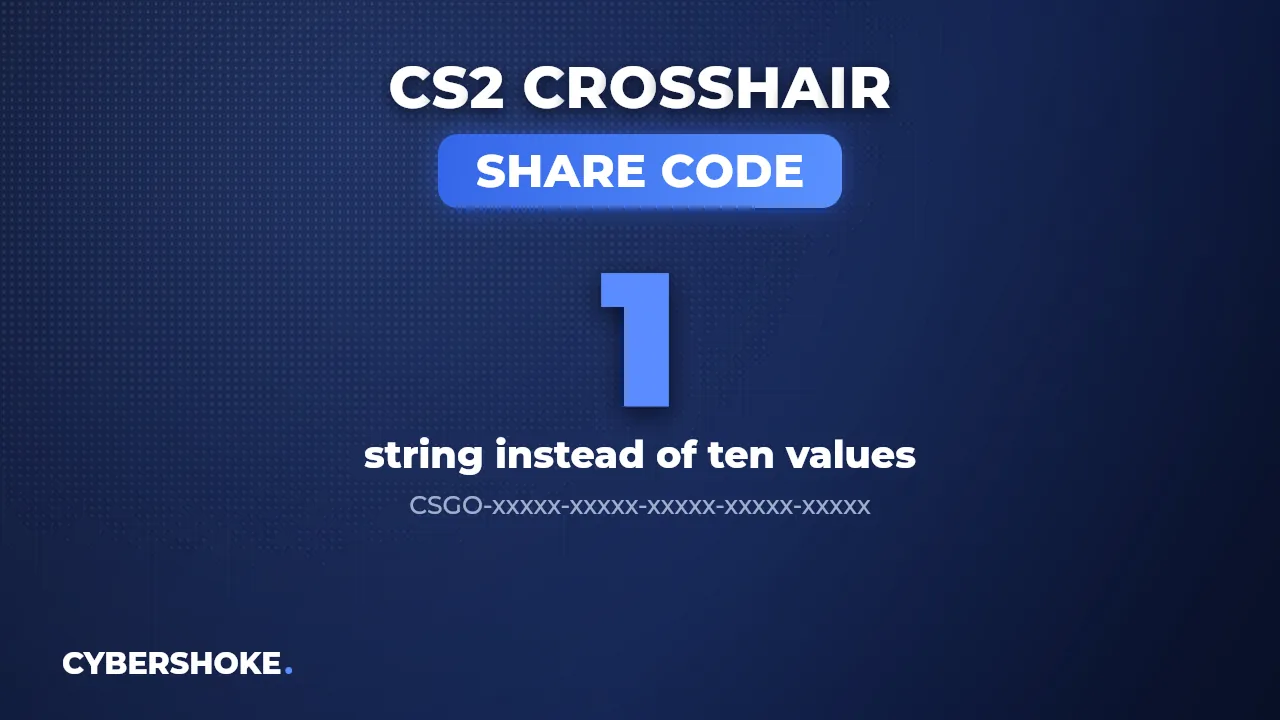
A crosshair code is a string like CSGO-xxxxx-xxxxx-xxxxx-xxxxx-xxxxx with every parameter packed into it. To apply someone else's: Settings → Game → Crosshair → "Share or Import" → paste the code → import. The crosshair changes instantly, no restart needed.
The same button generates a code for your own crosshair, ready to drop into a chat. The code does not depend on your resolution or hardware — it is just a set of values.
Where to find pro players' crosshairs
Pro crosshairs travel two ways: players post the code themselves, or it gets pulled from their config. The second source is more reliable, because a config shows the values in use rather than what was true a year ago.
On the configs page the crosshair from a profile is rendered as an image, so comparing is a matter of looking: size, gap and centre dot are visible at a glance. Whatever you like comes along with the rest of that player's settings instead of being copied one parameter at a time.
Test a new crosshair where duels come one after another — half an hour on CYBERSHOKE deathmatch gives you as many fights as a full ranked evening.
Which crosshair settings actually matter
The trade-off is simple: a smaller crosshair shows the exact point of impact but disappears against busy textures. Three things are worth tuning first.
Gap. Too wide and head-level aim at mid range suffers — the head literally hides inside the crosshair. Outline. Without it the crosshair vanishes on bright surfaces such as Mirage sand or the white walls of Anubis. Colour. Green and cyan read best because map textures almost never contain those shades.
How to keep your crosshair from getting lost
Store the code somewhere that survives a reinstall. Two options work: send it to yourself in Steam chat, or upload your config to your profile on the site so the crosshair sits next to the rest of the settings and downloads anywhere.
The second is better if you play outside your own PC: at a gaming café you open your profile and pull the file instead of recalling twenty values from memory.
FAQ
How do I change the crosshair in CS2?
Settings → Game → Crosshair. The same menu switches the style: classic static does not expand while moving.
How do I import a crosshair code?
In that menu press "Share or Import", paste the CSGO-xxxxx-xxxxx string and confirm. No restart required.
Where can I see other players' crosshairs?
On the CYBERSHOKE configs page: the crosshair from a profile is shown as an image, so you see how it looks before applying it.
What crosshair colour is best?
One that map textures do not contain — usually green or cyan, plus an outline so it stays visible on bright backgrounds.
Source
Player crosshairs and configs live on the CYBERSHOKE configs page; practice modes are in the CS2 section.