How to Play CS:GO in 2026: Where to Find Servers and Start Playing CSGO Again
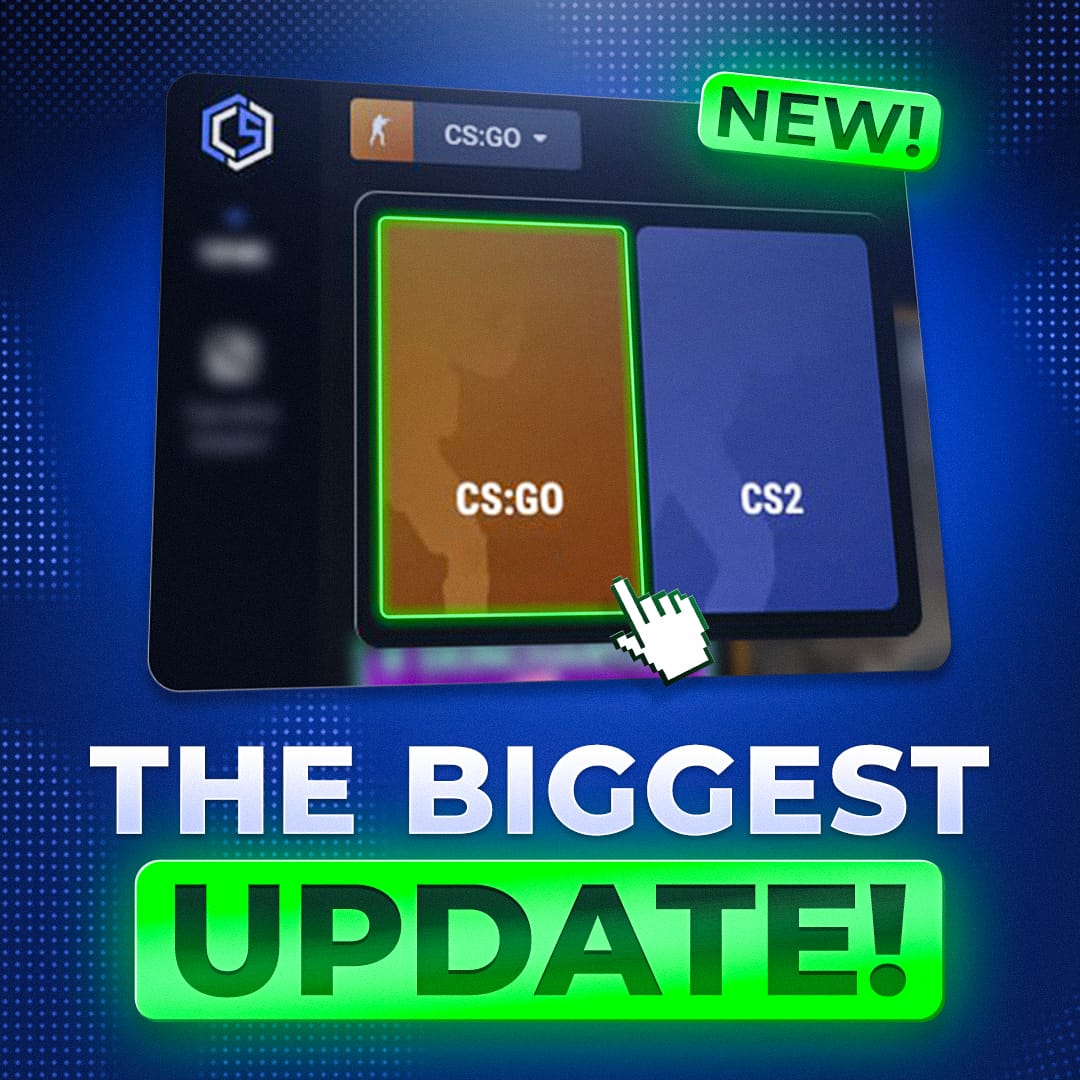
At the beginning of March, something unexpected happened for the entire community: Valve brought Counter-Strike: Global Offensive back to Steam as a separate game.
After that, many players started returning to CSGO / CS:GO to once again experience the classic gameplay, the old physics, and the atmosphere of the original Counter-Strike.
However, there is one important detail: official servers are no longer supported. Because of this, the main way to play CSGO now is through community servers.
Fortunately, projects like Cybershoke have launched many servers where players can once again fully play CS:GO.
How to Download CSGO
If you do not have the game installed yet, you can download it directly from Steam:
https://store.steampowered.com/app/4465480/CounterStrike_Global_Offensive/
After installation, CS:GO will appear in your Steam library as a separate game and you will be able to launch it immediately.
Where to Play CSGO Now
After the game returned to Steam, the Cybershoke team launched multiple CSGO servers with different game modes so players could start playing CSGO again.
Currently available modes include:
Public
Classic servers that feel very similar to traditional Counter-Strike gameplay.
AWP
A mode focused on sniper gameplay, perfect for practicing accuracy and reaction time.
Retake
A popular training mode where players spawn after the bomb is planted and practice retake situations.
PropHunt
A fun mode where players transform into objects and hide around the map.
Among Us
A unique social deduction style mode implemented inside CSGO.
5x5
A team format that is very close to competitive matches.
2x2
Fast and compact matches designed for quick games.
All of these modes are available on Cybershoke servers.
How to Connect to a Server in CSGO
Connecting to a server in CS:GO is quite simple.
You can find server IP addresses on the Cybershoke website and then connect through the in-game console.
Step 1 — Enable the Console
Open the game settings.
- Go to the Game tab
- Find the option Enable Developer Console (~)
- Turn it ON
After that, you can open the console using the ~ (tilde) key.
Step 2 — Find a Server
Open the Cybershoke website and choose the mode you want to play.
Server IP addresses are listed there:
Step 3 — Connect Using the Console
Open the console in the game and type the command:
connect SERVER_IP
After entering the command, the game will automatically connect you to the server.
Why Players Are Returning to CSGO
Despite the release of newer Counter-Strike versions, CSGO still has a huge community.
Main reasons include:
Classic mechanics
Many players are used to the movement and shooting mechanics of CSGO.
Familiar maps
For many players, CS:GO represents years of competitive gameplay.
Nostalgia
Millions of players spent thousands of hours in this version of Counter-Strike.
Because of this, after the game returned to Steam, more and more players started launching CSGO again to play on community servers.
 CYBERSHOKE
Conclusion
Even though official support from Valve has ended, CSGO is still alive thanks to the community.
Players continue returning to CSGO / CS:GO to experience the classic gameplay again.
You can download the game on Steam and play on community servers such as Cybershoke, where modes like public, awp, retake, prophunt, among us, as well as 5x5 and 2x2 matches, are available.
If you have been wanting to return to the classic version of Counter-Strike, now is the perfect time to do it.